
Thailand is one of the most app-dependent countries I have spent time in, and that becomes obvious fast once you land. Transportation, food delivery, shopping, messaging, banking, bookings, and everyday communication with businesses all run through apps in a way that can surprise people on their first trip. If you show up without the right ones already downloaded, simple things like getting from the airport, ordering food, contacting a landlord, translating a menu, or booking a train suddenly feel more complicated than they need to.
I use these apps constantly in real life, not just on paper. Some of them I use almost every day. This guide breaks down which apps matter most in Thailand, what they actually do, and which ones are worth downloading before you arrive whether you are coming for a short trip, a longer stay, or a move.
If Bangkok is your first stop, my Bangkok for First-Timers and Mistakes First-Timers Make in Bangkok posts will help you understand how to actually use these tools once you arrive.
Why Apps Matter So Much in Thailand
Thailand has skipped a lot of the in-between systems people may be used to and gone straight to mobile-based daily life. A lot of things that might still happen through websites, phone calls, or walk-ins elsewhere happen through apps here instead. That includes rides, food, train bookings, package deliveries, chatting with businesses, shopping for everyday items, and even coordinating service appointments.
What makes this matter so much is that these apps are not just convenience extras. They are often the easiest version of the system. Businesses answer faster through apps. Delivery is built around apps. Ride prices and pickup points are easier through apps. Tickets are often simpler to buy through apps. Once you understand that, daily life in Thailand starts feeling much smoother very quickly.

The 3 apps I would download first
If I could only tell someone to download three apps before landing in Thailand, it would be Grab, LINE, and Google Maps. Those three cover the biggest problems most people run into first: getting around, communicating, and figuring out where they are going. Grab helps with rides and food delivery, LINE matters because so much everyday communication in Thailand happens there, and Google Maps makes it much easier to navigate Bangkok, check transit options, save places, and avoid wasting time. Once those three are set up, everything else feels much easier to build around.
1. Grab
Transportation and food delivery
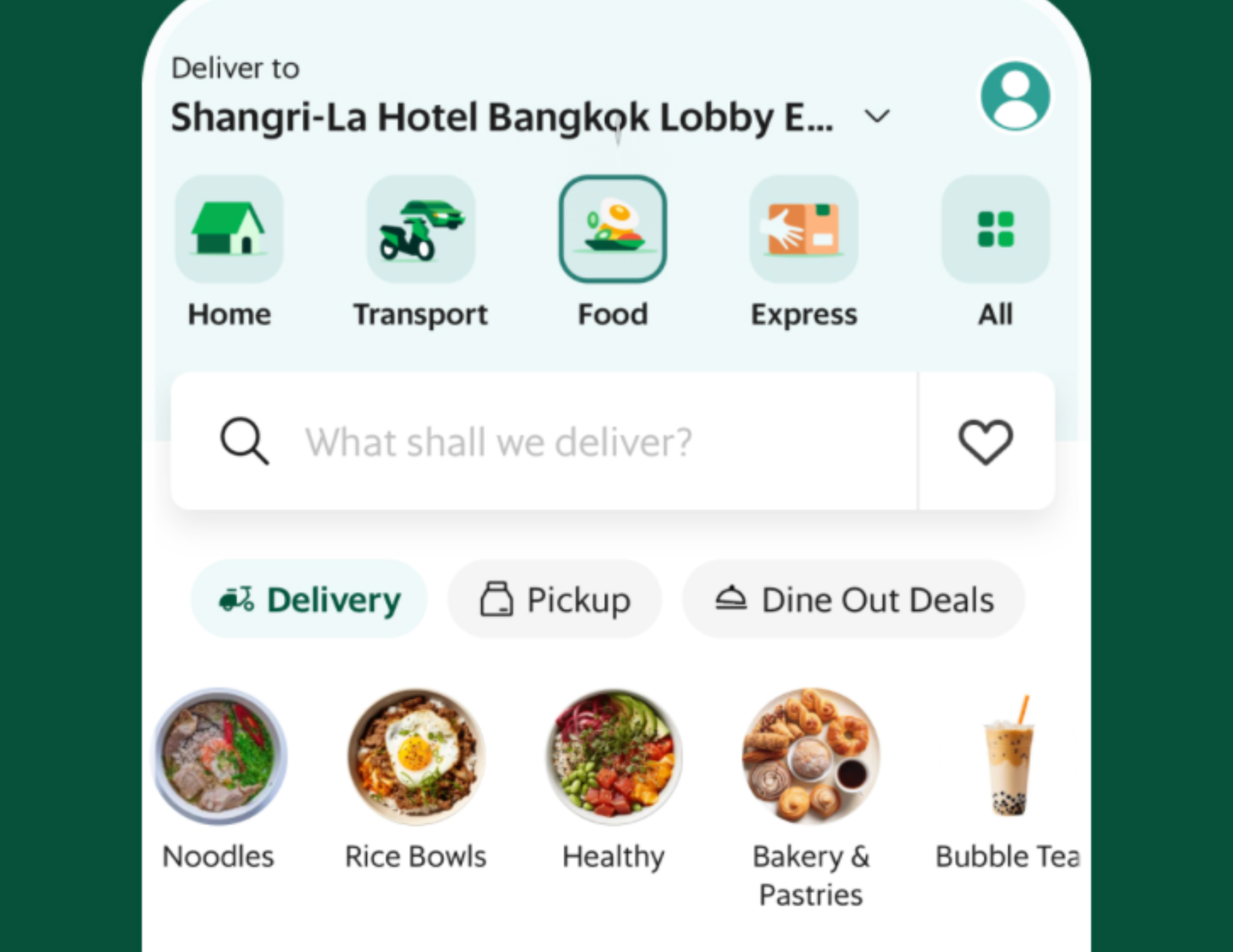
What makes Grab so useful in Thailand is that it solves several problems at once. It gives you transport when you do not want to negotiate or explain directions, it helps when you are too tired or too hot to go back out for food, and it removes a lot of friction if you do not speak Thai. For travelers, it is one of the fastest ways to feel more confident moving around. For people staying longer, it becomes part of everyday life fast.
What it actually does in daily life
Grab is not just a ride app. It is how many people move, eat, and function.
I personally use Grab almost daily, especially for food. It saves time, avoids language barriers, and lets you see prices clearly before ordering.
You can use Grab for:
• car rides
• motorbike taxis
• taxis
• food delivery
• courier services
Why it matters
You avoid negotiating, miscommunication, and price guessing. Everything is tracked, priced upfront, and reliable.
That is also why I always tell people to read Understanding Bangkok’s Transit Systems before they land, because apps help more when you already understand how the city moves.
Practical tip
Set up your payment method before you actually need the app. Cash can still work, but I find card easier because it makes rides and food orders smoother, especially when you are arriving somewhere new or do not want to deal with exact change.
2. LINE
How people actually communicate in Thailand
This is one of the apps that surprises people most if they have never lived in or spent much time in Asia. In Thailand, LINE is not just for chatting with friends. It is how businesses follow up, how service providers confirm appointments, how landlords or condo staff may contact you, and how a lot of everyday communication actually happens. Once you realize that, it stops feeling optional very quickly.
What it actually does
LINE replaces texting, calling, and email in many cases.
I use LINE to communicate with:
• my landlord
• nail and beauty shops
• delivery services
• local businesses
• friends
Many businesses will not email you. They will say “LINE me.”
Why it matters
If you do not have LINE, you will feel cut off very quickly.
Practical tip
Set up your profile photo and name clearly before you need to message anyone. That sounds small, but it helps businesses recognize you faster and makes the whole interaction feel smoother.
3. Google Maps
Navigation and survival tool
Google Maps works extremely well in Thailand and is one of the easiest apps to underestimate before you arrive. In Bangkok especially, it helps with much more than just getting from one point to another. I use it to check BTS and MRT routes, compare whether rail or car makes more sense, read recent restaurant reviews, save places I want to visit later, and make quick decisions when I am already out.
Bangkok is a city where distance on the map does not always tell you how long something will really take. Google Maps helps you catch that early. It can save you from wasting time in traffic, choosing the wrong transport option, or walking into places that are closed or not worth the stop.
What it actually does
• walking directions
• driving directions
• BTS and MRT routes
• real time traffic
• restaurant reviews and photos
Bangkok is huge and complex. This app saves hours.
Practical tip
Save places ahead of time and download offline maps as backup, especially if you are just landing, switching SIMs, or heading somewhere with weaker signal.
4. Google Translate
Language barrier lifesaver
This becomes especially helpful outside the most tourist-heavy parts of Bangkok or anytime you are dealing with menus, signs, packaging, or service situations that are not fully in English. I would not say you need it every second, but when you need it, you really need it.
What it actually does
• translates menus using the camera
• converts Thai signs instantly
• helps with simple conversations
Practical tip
Download Thai offline before the trip. Camera translation is one of the features I use most because it makes menus, ingredient labels, and signs much easier to deal with on the spot.

5. Hungry Hub
Food reservations and dining deals
This is not the kind of app every short-term visitor will use constantly, but it becomes useful fast if you like dining out, want better-value set menus, or plan to do nicer meals in Bangkok. It also helps if you do not want to guess whether a restaurant takes reservations or whether booking through the app gets you a better offer.
If food is a big part of your trip, pair this with Best Thai Food To Eat In Thailand so you know what dishes you actually want to prioritize too.
What it actually does
Hungry Hub is used for:
• restaurant reservations
• dining deals
• buffets and set menus
• premium dining experiences
This is especially useful for Bangkok’s restaurant scene, where reservations can matter.
Why it matters
You often get better prices or exclusive menus through the app than walking in.
And if you want one of the kinds of dining experiences where an app like this can really come in handy, my Copper Beyond Buffet Bangkok Review gives you a good example.
6. Bolt
Cheaper alternative to Grab
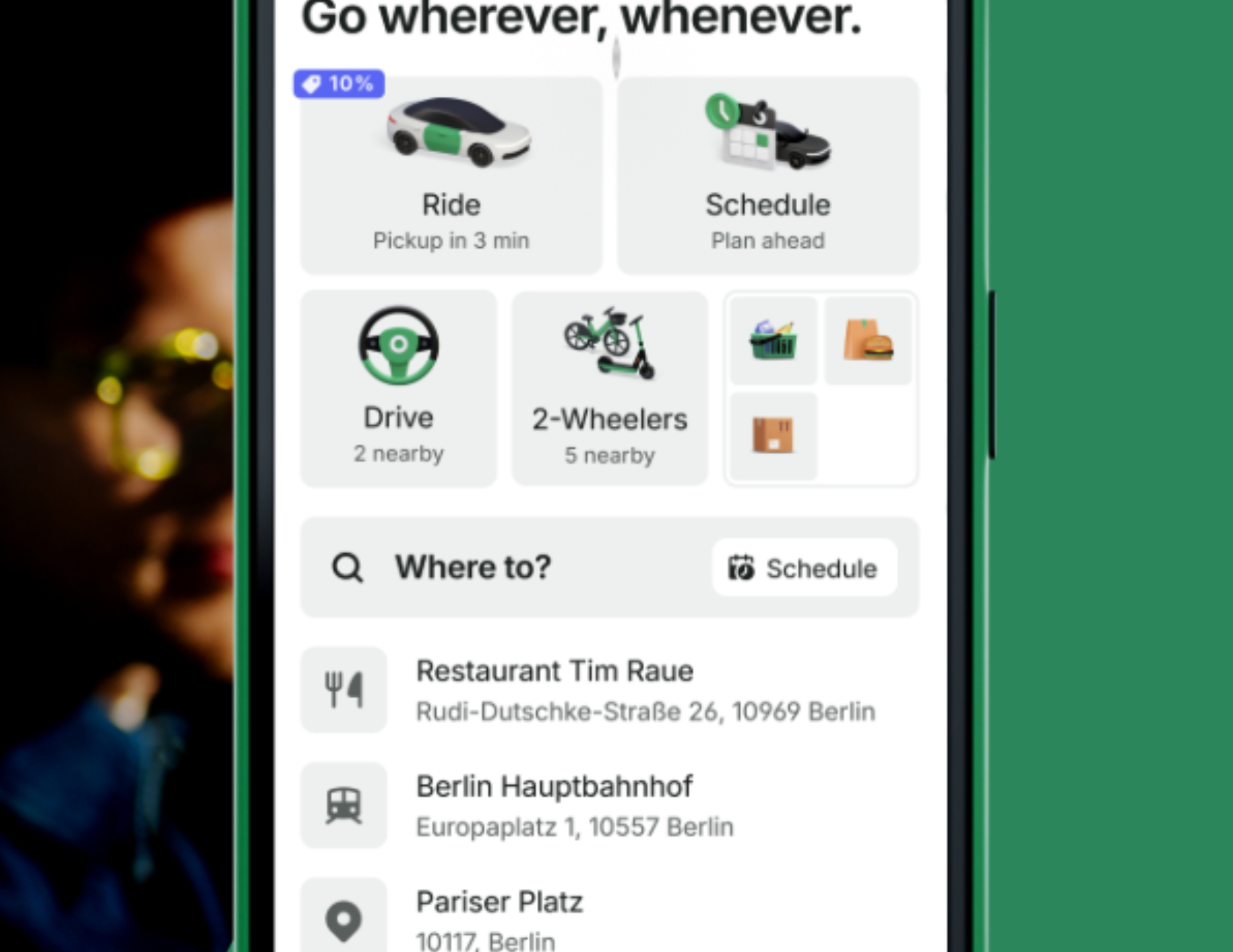
Bolt works similarly to Grab, but I mostly think of it as the app worth checking before you book rather than the app I rely on for everything. Sometimes it is noticeably cheaper. Sometimes the difference is small. Either way, it is useful to have both because ride prices in Thailand can shift a lot depending on traffic, demand, time of day, and the exact area you are in.
What it actually does
• car rides
• motorbike taxis
Practical tip
Check both Bolt and Grab before confirming a ride. That quick comparison can save you money, especially in Bangkok.

7. Shopee
Online shopping for everyday needs
For longer stays, this is one of those apps that changes daily life more than people expect. Instead of spending time hunting down household basics, beauty items, random chargers, storage, or small travel needs in person, you can just order them. That convenience adds up fast if you are staying in Thailand for weeks or months instead of days.
What it actually does
• household items
• beauty products
• electronics
• clothing
• random daily essentials
Practical tip
Delivery is fast, but quality varies. Always read reviews carefully.
If you are in Bangkok and also want in-person options, my Best Places To Shop In Bangkok guide helps balance online convenience with where to actually shop around the city.

8. Lazada
Everything delivered to your door
Lazada is another massive shopping app in Thailand, and it is one I personally use often. If I need household items, storage, appliances, electronics, clothing, or random everyday things, this is one of the first places I check. For longer stays, it can save a huge amount of time because you stop having to run errands for every little thing.
The honest downside is that it can be hit or miss. Even when reviews look decent, quality can still vary, especially if the item is very cheap or the shop is unfamiliar. When quality matters, I stick with branded stores or sellers that already look established. That does not guarantee perfection, but it helps.
What it actually does in real life
I order almost everything from Lazada.
• household items
• appliances
• clothing
• storage
• electronics
It is convenient, affordable, and widely used.
Important honesty note
It can be hit or miss. Even when reading reviews, quality can vary. If something is extremely inexpensive and from an unknown shop, be prepared to get what you pay for.
Best practice
Use reviews, photos, and seller history together, not just price. If something looks unbelievably cheap, it usually is for a reason.
9. 12Go
Travel booking inside Thailand
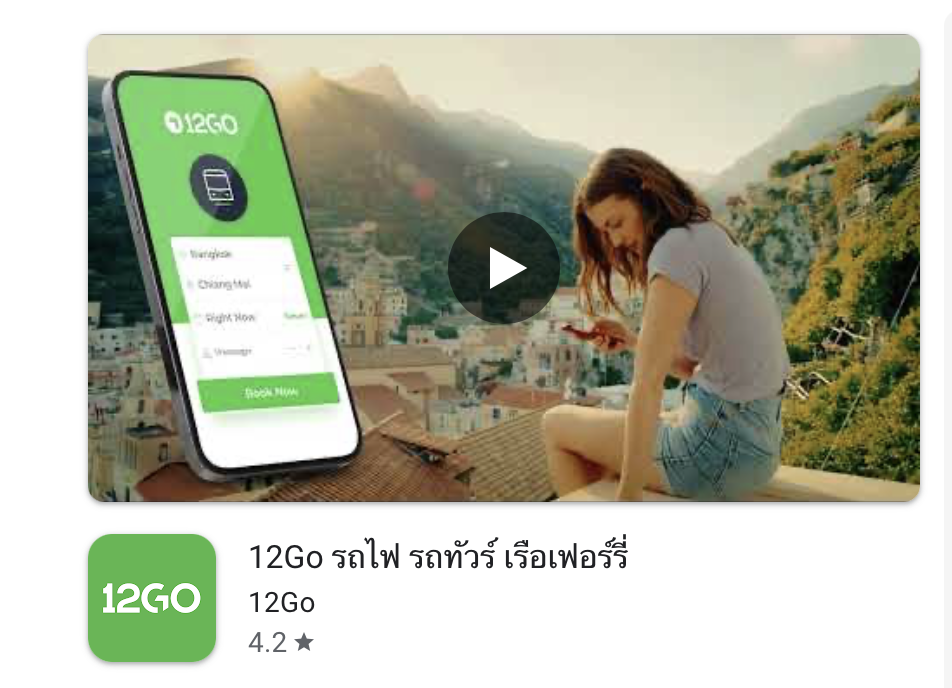
12Go is one of the most useful apps to have once you start traveling beyond Bangkok. Thailand’s transport network is extensive, but that does not always mean it feels simple when you are trying to compare trains, ferries, buses, and routes in real time. 12Go helps pull that all into one place.
I especially like it because it cuts down the confusion around domestic travel planning. Instead of bouncing between different sites or trying to piece together routes manually, you can see your options more clearly and book faster. If your Thailand trip includes islands, train travel, or city-to-city movement, this app becomes much more valuable.
It is especially useful if you are following a wider route like my The Perfect 3 Weeks in Thailand Itinerary and need to connect Bangkok with other parts of the country.
What it actually does
• train tickets
• buses
• ferries
• domestic travel routes
Why it matters
Booking transport in Thailand can be confusing. This app simplifies everything into one platform.
10. Wise
Money transfers and currency management
Wise is one of the most useful apps here if you are staying longer, moving money internationally, or managing more than one currency at once. It helps with transfers, gives you better visibility on exchange rates, and makes it easier to avoid some of the messier parts of international banking.
For day-to-day spending, I still compare prices mentally and sometimes use quick conversions in my iPhone calculator, but Wise is what helps more on the bigger money-management side. If you are living in Thailand, slow traveling, or just trying to keep your exchange rates more reasonable, it is worth having set up ahead of time.
What it actually does
• international transfers
• multi currency accounts
• better exchange rates
Practical note
If you use an iPhone, you can also do quick currency conversions directly in the calculator app, which is what I personally use for day to day pricing comparisons.
If you need to transfer money, hold different currencies, or just make international banking feel a little easier while in Thailand, Wise is one of the apps I recommend having set up before you need it.
11. Revolut
Alternative banking option
Revolut fills a similar role to Wise for a lot of travelers. The main point is not that you need both. It is that having at least one solid travel-friendly financial app makes things easier when you are spending internationally, watching exchange rates, or moving money between currencies. Which one makes more sense usually depends on what you already use and how you manage your money.
What it does
• international spending
• currency exchange
• card payments abroad
Choose Wise or Revolut based on what you already use.
12. BTS Skytrain App
Getting around Bangkok fast
If you are staying in Bangkok, this is especially useful during the first few days when the rail system still feels unfamiliar. It is one more layer of confidence, especially if you are trying to move fast, avoid traffic, and understand how different parts of the city connect.
What it actually does
• route planning
• station maps
• fare estimates
BTS is often faster than cars during peak traffic.
If you want the bigger picture of when to use BTS, MRT, river boats, and ride apps, read Understanding Bangkok’s Transit Systems next.
13. AirBKK
Air quality monitoring
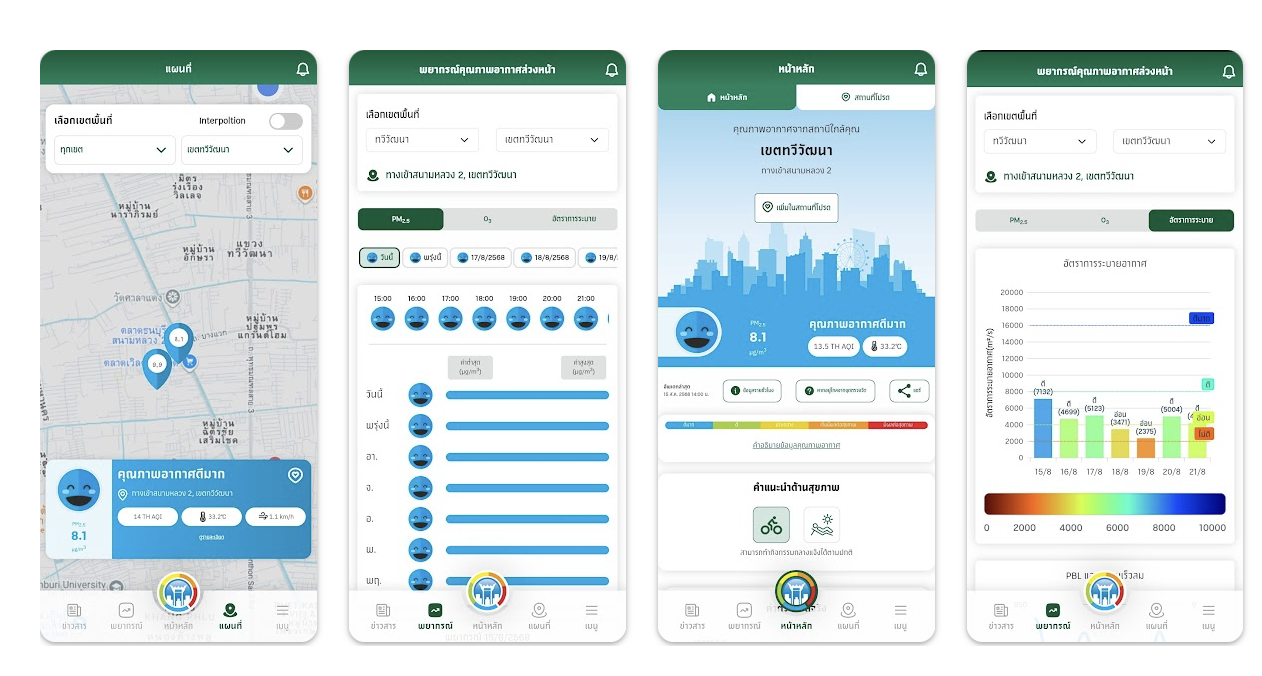
Air quality matters in Bangkok more than a lot of first-time visitors expect, especially during pollution season. AirBKK helps you keep an eye on real-time AQI and PM2.5 levels so you can make smarter decisions about outdoor plans, masks, or whether a park day is still worth it.
This is one of those apps you may not open every day, but when the air gets bad, it becomes very useful very quickly.
What it does
• real time AQI
• PM2.5 alerts
• location specific data
This is especially useful during pollution season.
For the fuller version of how I think about haze, timing, and planning outdoor days, read my Bangkok Air Quality Guide too.

Best apps for tourists vs longer stays
If you are visiting Thailand for a shorter trip, I would focus first on Grab, LINE, Google Maps, Google Translate, and 12Go if you plan to move around the country. Those are the apps that solve the most immediate travel problems. If you are staying longer, living in Thailand, or slow traveling, then apps like Shopee, Lazada, Wise, Revolut, Hungry Hub, and AirBKK become a lot more useful because they start supporting everyday life, not just sightseeing. The difference is really about whether you are trying to manage a trip or settle into a routine.
.png)
Final Tips Before You Arrive
Before landing in Thailand, I would download the core apps, set up payment methods where possible, and make sure your phone is ready to use them right away. A lot of the stress people feel in their first 24 hours comes from not having the basics ready when they suddenly need a ride, a translation, directions, or a way to contact someone.
A few simple things help a lot:
• download the apps before you land
• set up payment methods early
• enable location services
• screenshot your hotel name, address, and booking details
• save important places in Google Maps
• expect to rely on apps daily, not occasionally
And if you are still organizing the basics of your trip, Best SIM Cards, eSIMs and WiFi in Bangkok, Where to Stay in Bangkok, and 3 to 5 Days in Bangkok are the next posts I would read.
.png)
Thailand becomes much easier once you have the right apps in place. They remove friction from transportation, food, communication, shopping, and everyday errands in a way that makes the country feel far more manageable, especially when you are new. Without them, simple tasks can feel harder than they need to.
If you only download three apps before your trip, make them Grab, LINE, and Google Maps. Those are the three that solve the most immediate problems. Everything else builds from there depending on whether you are dining out more, shopping more, traveling around the country, or staying long enough for daily life to really settle in.

Cavetta is the creator of LifeWithVetta.com and has been traveling the world full time since 2020. She has visited more than 60 countries while worldschooling her son and documenting what it really takes to live abroad. Her guides focus on travel, moving abroad, digital nomad life, and designing a life beyond the traditional path.
