

Planning a digital nomad stay abroad is not the same as planning a vacation.
A vacation can be built around sightseeing, food, tours, and a packed itinerary. A digital nomad stay has to work in real life. You need Wi-Fi, a comfortable place to work, mobile data, groceries, laundry, transportation, a neighborhood that feels livable, and enough routine to actually get things done.
That changes the way you plan.

It is easy to romanticize working from another country. The laptop in a cafe. The pretty view. The slow mornings. The new city outside your door. And yes, those moments can be real. But so are weak apartment Wi-Fi, uncomfortable chairs, loud construction, bad lighting, time zone issues, confusing transportation, laundry problems, and the realization that moving too fast makes it hard to work well.
That is why AI can be useful.
AI can help you compare destinations, choose neighborhoods, build a realistic weekly rhythm, plan around Wi-Fi and mobile data, create a budget, check whether a route is too rushed, and think through the parts of digital nomad life that are easy to overlook when you are still in the dreamy planning stage.
The point is not to let AI decide your life.
The point is to use it as a planning assistant so you can ask better questions before you spend money, book a stay, or move to a new country expecting it to magically work.
If you are new to this cluster, start with my How to use AI to plan a trip and Best AI prompts for travel planning. Those posts explain the broader system. This guide focuses on using AI to plan a digital nomad stay abroad, where the goal is not only to visit a place, but to live and work there for a while.

Why Digital Nomad Planning Is Different From Vacation Planning
Digital nomad travel has a different rhythm.
You are not just asking, “What should I see?”
You are asking:
Can I work from there?
Is the Wi-Fi reliable?
Will I need backup data?
Is the neighborhood livable?
Can I get groceries easily?
Is there a table where I can actually work?
Is the apartment quiet enough?
Can I stay long enough to settle in?
What are the visa rules?
How much will the month really cost?
Will the time zone affect my work?
Will I be able to build a routine?
Those questions matter because digital nomad life is still real life.
You may be in a beautiful country, but you still need to answer emails, upload content, take calls, manage clients, build your business, homeschool or worldschool if you are traveling with family, handle money, cook or buy food, do laundry, rest, and keep your life running.
That is why the best digital nomad stays usually have more structure than people think.
You do not need every hour planned, but you do need a basic setup that supports your work and your lifestyle. A good destination is not only pretty. It is functional. A good apartment is not only cute. It has what you need to work, sleep, eat, and live. A good neighborhood is not only popular. It fits your daily routine.
AI can help you think through all of that before you arrive.

The Best AI Prompt for Planning a Digital Nomad Stay Abroad
Start with one strong prompt that gives AI the full picture.
Digital Nomad Stay Prompt:
Help me plan a digital nomad stay in [destination] for [number of weeks or months]. I need reliable Wi-Fi, mobile data options, a comfortable workspace, grocery stores, laundry access, walkable streets, public transportation, cafes or coworking spaces, and a neighborhood that feels livable. My budget is [budget level], and my work schedule is [time zone or work hours]. Suggest the best neighborhoods, what to check before booking accommodation, a realistic weekly routine, and anything that may make this destination harder for remote work.
That prompt is much stronger than asking:
“Is Bali good for digital nomads?”
A better prompt tells AI what kind of life you are trying to build while you are there.
After AI gives you the first answer, ask:
Which neighborhood is best if I need quiet workdays?
Which neighborhood is best if I want cafes and coworking nearby?
Which area has the best balance of cost, safety comfort, food, transportation, and daily life?
What should I ask the host before booking a longer stay?
What could make this destination frustrating for remote work?
How much should I budget for a month?
What do digital nomads often underestimate in this destination?
Those follow-up questions make the plan more useful.
Digital nomad planning is not just about finding a pretty place. It is about making sure your work life, daily life, and travel life can exist in the same location without constantly fighting each other.

Use AI to Choose the Right Digital Nomad Destination
Some destinations sound great for digital nomads because everyone talks about them online.
That does not mean they are right for you.
A destination can be popular and still not fit your budget, work hours, weather preferences, visa needs, family situation, safety comfort, or travel style. AI can help you compare options before you get too attached to one place.
Destination Comparison Prompt:
Help me compare [destination 1], [destination 2], and [destination 3] for a digital nomad stay. I need reliable Wi-Fi, affordable monthly stays, good mobile data, easy transportation, grocery stores, cafes or coworking, and a lifestyle that fits [solo/family/couple/slow travel/content creator/remote worker]. Compare cost, convenience, visa considerations to verify, weather, safety comfort, food, community, and whether each place is better for short-term or longer-term stays.
This works well if you are deciding between places like Lisbon, Bangkok, Chiang Mai, Medellín, Mexico City, Tbilisi, Tirana, Albania, Bali, Porto, Valencia, or somewhere else.
You can also ask:
Which of these destinations gives the best value for a one-month stay?
Which one is easiest for a first-time digital nomad?
Which one is better for families?
Which one is better if I need quiet workdays?
Which one is better if I want community?
Which one is better if I am trying to save money?
AI can help you compare, but visa and entry rules should always be checked through official sources before you book. Rules change, and overstaying or misunderstanding the terms of entry is not something to play with.
For bigger move-abroad planning, read my How to move abroad or travel long-term and How the Schengen shuffle works if Europe is part of your plan.

Use AI to Find the Best Neighborhood for Remote Work
Choosing the right neighborhood matters even more when you are working remotely.
On a short vacation, you may only need a clean room and decent location. For a digital nomad stay, the neighborhood becomes part of your daily routine. You need groceries, laundry, food, cafes, transit, quiet streets, and maybe coworking. You need somewhere that feels manageable after the sightseeing energy fades.
Use this prompt:
Digital Nomad Neighborhood Prompt:
Help me choose the best neighborhood in [destination] for a digital nomad stay. I will be there for [number of weeks or months]. I need reliable Wi-Fi, cafes or coworking nearby, grocery stores, laundry, public transportation, safe-feeling streets, and a place that feels livable instead of only touristy. Compare the best areas, explain who each one is best for, and tell me which neighborhoods may not fit my needs.
Then ask:
Which area gives the best balance of cost, convenience, quiet, food, and transportation?
That is the kind of question that helps you avoid booking in the wrong place.
Once AI narrows the search, compare actual stays on Booking.com. Look closely at reviews, map location, Wi-Fi mentions, workspace photos, cancellation policy, laundry access, kitchen setup, and whether the stay is close to groceries and transit.
For longer stays, read the negative reviews carefully. A tiny room, weak Wi-Fi, loud street, bad chair, or no real table may not matter for two nights. For one month, it can become a daily problem.
For more on choosing a base before booking, read my How to use AI to choose where to stay.

Use AI to Check Wi-Fi and Work Setup Before Booking
“Wi-Fi included” does not always mean “Wi-Fi is good enough to work.”
That is one of the biggest mistakes remote workers can make when booking a stay abroad. A listing may say it has Wi-Fi, but that does not tell you speed, stability, whether it works in the bedroom, whether video calls are smooth, or whether ten other apartments are sharing the same weak connection.
Use AI to create a checklist before booking.
Wi-Fi and Work Setup Prompt:
Help me create a checklist for booking a digital nomad stay in [destination]. I need to work online, take calls, upload files, and have a comfortable setup. Include questions to ask about Wi-Fi speed, backup internet, workspace, chair, lighting, noise, outlets, mobile data, coworking nearby, and what to look for in reviews before booking.
Then use this message template when contacting a host:
Host Message Template:
Hi, I am considering booking your place for a remote work stay. Can you confirm the Wi-Fi speed, whether the connection is reliable for video calls, and whether there is a proper table or desk with a comfortable chair? I also wanted to ask if there has been any recent construction noise or Wi-Fi issues. Thank you.
That kind of message can save you from a bad work setup.
Look for review phrases like “great Wi-Fi,” “worked remotely,” “good for video calls,” “quiet,” “comfortable desk,” or “stable connection.” Be careful with repeated complaints about weak Wi-Fi, noise, uncomfortable furniture, bad lighting, or poor communication.
If your income depends on your internet, do not guess.
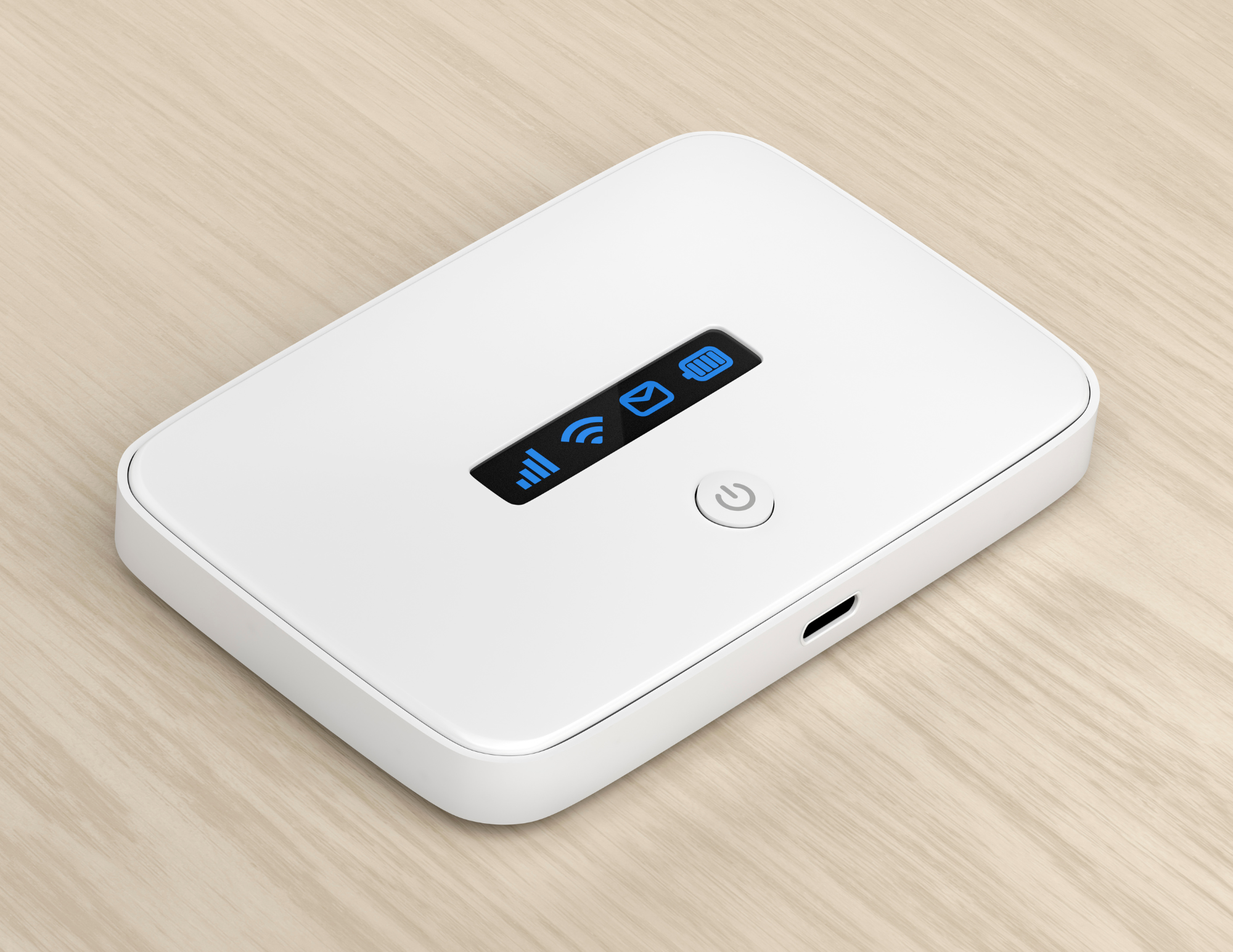
Use AI to Plan a Backup Internet Setup
Even if the accommodation Wi-Fi looks good, you still need a backup.
Power outages happen. Routers fail. Cafe Wi-Fi can be unstable. Hotel Wi-Fi can slow down at night. A landlord may promise fast internet, but the connection may not be strong enough for your work.
A backup internet plan gives you breathing room.
Use this prompt:
Backup Internet Prompt:
Help me create a backup internet plan for working remotely in [destination]. Include eSIM options, local SIM cards, mobile hotspot possibilities, coworking spaces, cafes with Wi-Fi, backup work locations, and what I should prepare before arrival.
For many travelers, an eSIM is one of the easiest backup options. Airalo can be helpful because you can set up mobile data before or during your trip and use it for maps, messaging, apps, and sometimes hotspot depending on the plan details. Always check whether hotspot is allowed before relying on it for work.
For longer stays, you may decide to start with an eSIM for arrival and then compare local SIM options after you settle in. That can work well because you have data right away without needing to solve everything on airport day.
A portable charger also matters if your phone may become your backup connection. If you are hotspotting, using maps, answering messages, checking apps, and moving around, your battery can drop quickly.
For a deeper guide on mobile data, eSIMs, Wi-Fi, and travel tech, read my How to stay connected while traveling internationally.

Use AI to Build a Realistic Digital Nomad Budget
A digital nomad budget is different from a vacation budget.
You are not only paying for hotels, restaurants, and activities. You may need monthly rent, groceries, coworking, mobile data, insurance, transportation, business tools, laundry, visas, flights, banking fees, and the occasional work-friendly cafe day.
Use AI to estimate the full picture.
Digital Nomad Budget Prompt:
Help me build a realistic monthly budget for living and working remotely in [destination]. Include accommodation, groceries, eating out, transportation, mobile data, coworking, laundry, insurance, visas or stay costs to verify, entertainment, fitness, flights, and a buffer for unexpected expenses. Give me a budget version, mid-range version, and more comfortable version.
GGGGGGG
This helps you see the trade-offs.
A cheaper apartment may save money but create problems if the Wi-Fi is bad. A coworking membership may feel like an extra expense, but it may help you work better. Staying farther out may reduce rent, but increase transportation and make daily life less convenient.
For money abroad, Wise can be useful if you are managing different currencies, receiving or sending money internationally, or trying to reduce friction while moving between countries. It is especially helpful for longer trips where you are not just swiping a credit card for a one-week vacation.
Ask AI:
What expenses do digital nomads often underestimate in [destination]?
That one question can help you avoid surprises.
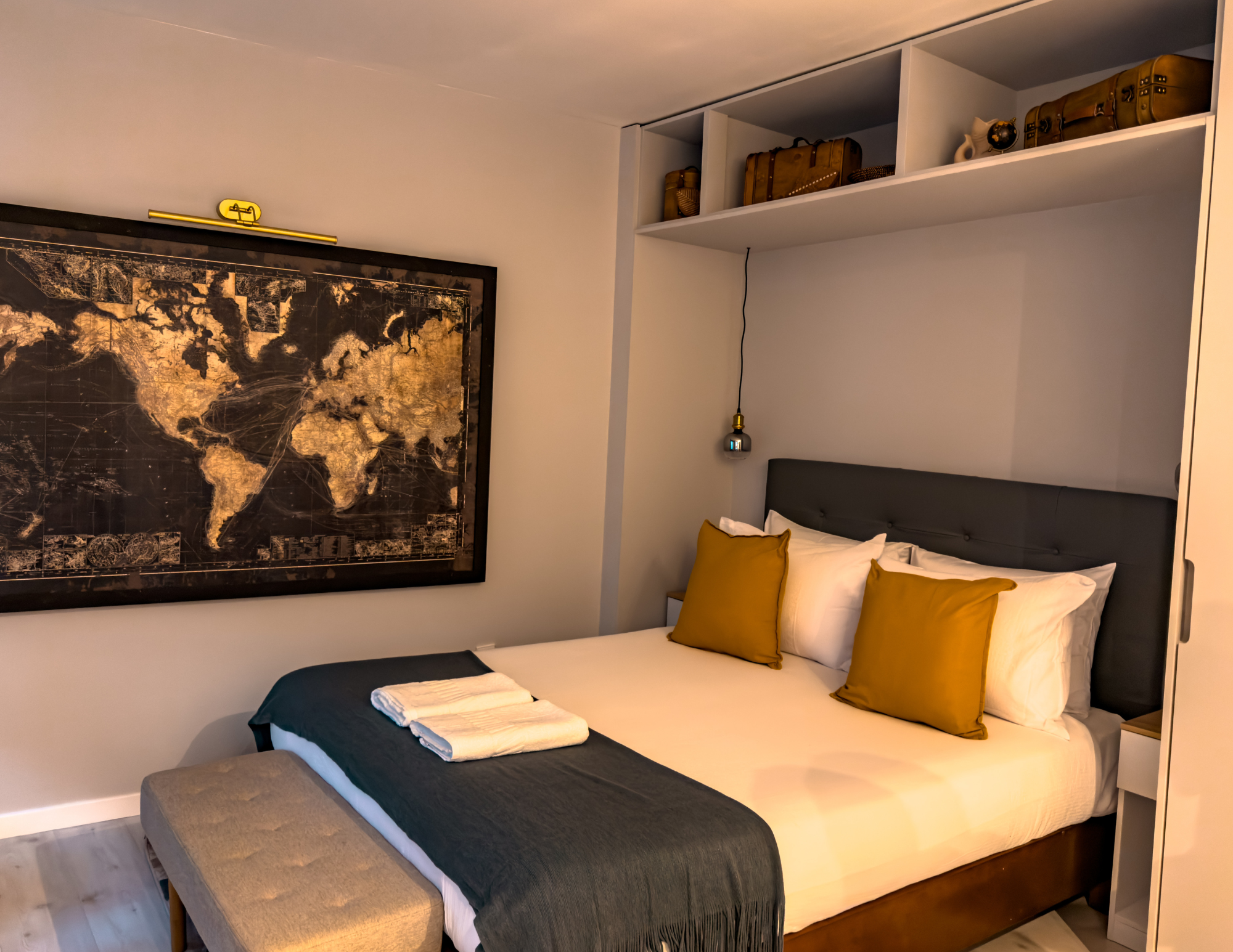
Use AI to Find Longer-Stay Accommodation
Longer-stay accommodation needs more careful planning than a short hotel stay.
For a few nights, you can tolerate a small room, no kitchen, or a less-than-perfect workspace. For a month, those things can start to wear on you.
Use this prompt:
Longer-Stay Accommodation Prompt:
Help me find the right type of accommodation for a digital nomad stay in [destination]. I will stay for [number of weeks or months]. I need reliable Wi-Fi, a real workspace, kitchen access, laundry or nearby laundry, good lighting, enough space, quiet, and easy access to groceries and transportation. Tell me what features to prioritize and what red flags to watch for in listings and reviews.
When comparing stays on Booking.com, look beyond the pretty photos.
Check if there is a real table. Look at the chair. Check the lighting. See if the room has enough space to live and work. Look for kitchen photos, laundry details, Wi-Fi mentions, and neighborhood reviews. Look at whether the stay has an elevator if you have luggage or if the building is older.
If you are staying for weeks, cancellation policy matters too. Flexibility can be valuable if plans change or if you arrive and realize the place does not match the listing.
For longer stays, comfort is not being bougie. It is practical.
You are not just sleeping there. You are living there.

Use AI to Plan a Weekly Work and Travel Rhythm
One of the hardest parts of digital nomad life is balancing work and exploring.
If you treat every day like vacation, your work suffers. If you only work and never explore, you start wondering why you are abroad in the first place.
A weekly rhythm helps.
Use this prompt:
Weekly Digital Nomad Routine Prompt:
Help me create a realistic weekly routine for working remotely in [destination]. My work hours are [hours or time zone]. I want time for focused work, groceries, laundry, exercise, cafes, sightseeing, rest, and one bigger activity or day trip each week. Build a schedule that feels balanced and not rushed.
This is especially helpful if you are staying somewhere for a month.
You do not need to plan every hour. You just need a structure that keeps life from becoming chaotic. Maybe mornings are for work and afternoons are for exploring. Maybe you work three heavy days and leave two lighter days for content, sightseeing, or errands. Maybe weekends are for day trips.
Ask AI to build a routine around your real obligations.
Follow-up Prompt:
Make this schedule more realistic for someone who needs deep work time and does not want to feel behind every week.
That kind of prompt keeps the fantasy in check.
The best digital nomad stays give you room to work and live.

Use AI to Plan Around Time Zones
Time zones can make or break a digital nomad destination.
A place may look perfect until you realize your client calls happen at midnight, your workday starts when everyone else is going to dinner, or you are constantly trying to sleep during the day.
Use AI to think through the schedule before booking.
Time Zone Planning Prompt:
Help me decide if [destination] works for my remote work schedule. My clients, job, or business operates on [time zone]. I will be in [destination time zone]. Create a realistic workday schedule, show what time meetings would happen, and tell me whether this setup may become difficult over time.
This is one of those practical details people overlook.
Some time zone differences can work beautifully. Others can slowly drain you. If you only have one or two calls a week, you may be fine. If you have daily meetings, the wrong time zone can make life harder fast.
You can also ask:
Which destinations work best if I need to stay aligned with [time zone]?
That prompt can help you choose smarter.
Digital nomad life should not mean destroying your sleep just to be somewhere pretty.
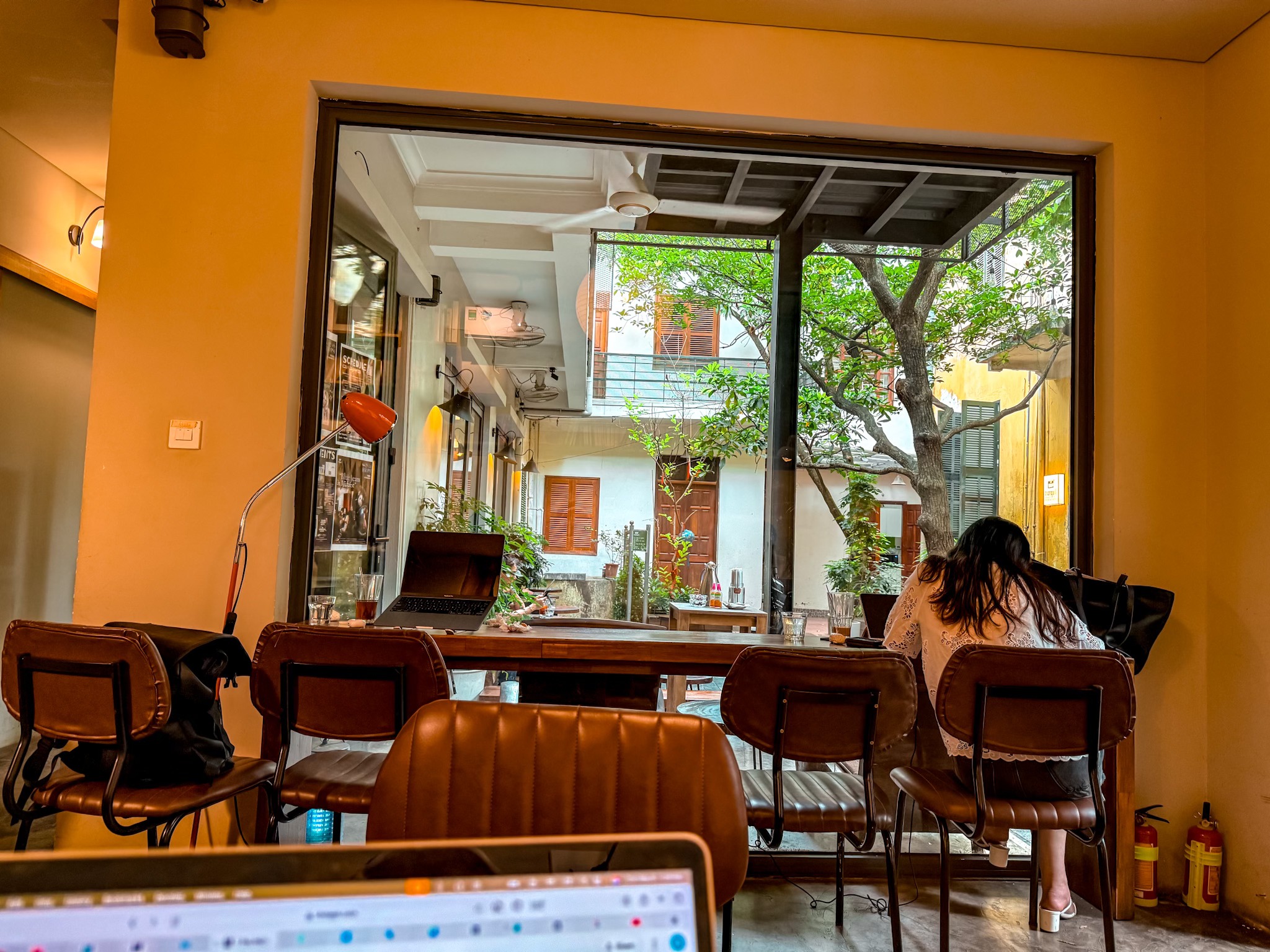
Use AI to Plan Work-Friendly Cafes and Coworking
Cafes can be great for a few hours of work, but they are not always reliable as your main office.
Some cafes are laptop-friendly. Some are not. Some have good Wi-Fi but loud music. Some are comfortable for an hour but not a full workday. Some places are better for coffee and people-watching than deep work.
Use AI to research the general scene.
Cafe and Coworking Prompt:
Help me find work-friendly cafes and coworking options in [destination]. I need places with reliable Wi-Fi, outlets, comfortable seating, a good atmosphere for working, and easy access from [neighborhood]. Also tell me what local cafe etiquette I should understand before working from cafes.

This is a good starting point, but always check current reviews.
If you need serious work time, coworking may be worth it. A coworking space can give you better Wi-Fi, a desk, outlets, a quieter environment, and sometimes a small community. It may not be necessary everywhere, but it can help if your accommodation setup is not ideal.
Ask AI:
Should I budget for coworking in [destination], or can I work mostly from my accommodation and cafes?
That can help you decide before you arrive.

Use AI to Plan Food, Groceries and Daily Life
Digital nomad stays involve normal life.
You need to eat. You need groceries. You need laundry. You need a pharmacy sometimes. You need places to walk, get coffee, buy basics, and reset between work sessions.
AI can help you plan the practical side.
Daily Life Prompt:
Help me understand daily life in [destination] for a digital nomad stay. I need grocery stores, affordable meals, cafes, laundry, pharmacies, transportation, gyms or walking areas, and places to relax after work. Suggest what neighborhood would make daily life easiest.
This is a good prompt because it shifts the focus away from tourist attractions.
You still want to enjoy the destination, but daily life matters more during a longer stay. A beautiful area with no grocery store nearby may get annoying. A cheap apartment far from transit may make every errand harder. A busy tourist zone may be exciting for two days and exhausting for four weeks.
For food, ask:
What are affordable local meals or grocery staples in [destination] that can help me keep my monthly budget under control?
That prompt helps you think beyond restaurants.
Food costs can make or break a long stay.

Use AI to Decide When a Tour Is Worth It
Even as a digital nomad, you still want to experience the place.
The difference is that you may not have time or energy for constant sightseeing. A good tour can help you understand the destination faster, especially early in your stay.
Use AI to choose wisely.
Digital Nomad Tours Prompt:
Help me decide which tours or activities are worth booking during a digital nomad stay in [destination]. I am working during the week, so I want experiences that add real value without taking over my schedule. Suggest food tours, walking tours, day trips, cultural experiences, or weekend activities that fit a slower stay.
GetYourGuide can be useful for comparing food tours, walking tours, day trips, cooking classes, cultural experiences, and weekend activities. For digital nomads, I like experiences that help you understand the place, meet people, or make the trip feel richer without overloading the week.
A tour does not need to fill every day.
Sometimes one good food tour or one thoughtful day trip can give you more context than a long list of random attractions.

Use AI to Plan Flights Around Flexibility
Digital nomads often have more flexibility than vacation travelers.
That flexibility can help with flights.
If you do not have to be in one exact city on one exact date, you can let better flight prices shape your route. Going can be helpful for watching flight deals before choosing where to start. A good deal into Lisbon, Madrid, Paris, Bangkok, Mexico City, or another hub may become the beginning of a smarter route.
Use this prompt after spotting a possible flight deal:
Flight Deal Digital Nomad Prompt:
I found a flight deal to [destination] for [dates]. Help me decide if this is a good starting point for a digital nomad stay. Consider monthly accommodation costs, Wi-Fi, visa or stay rules to verify, transportation, nearby countries or cities, cost of living, weather, and whether this destination works for remote work.
A cheap flight is not always the best choice if the destination is expensive, the stay options are bad, or the time zone does not work.
But when the flight deal, destination, budget, and work setup all align, it can be a smart way to choose your next base.
For Europe-specific route planning, read my How to use AI to plan a Europe trip Guide.
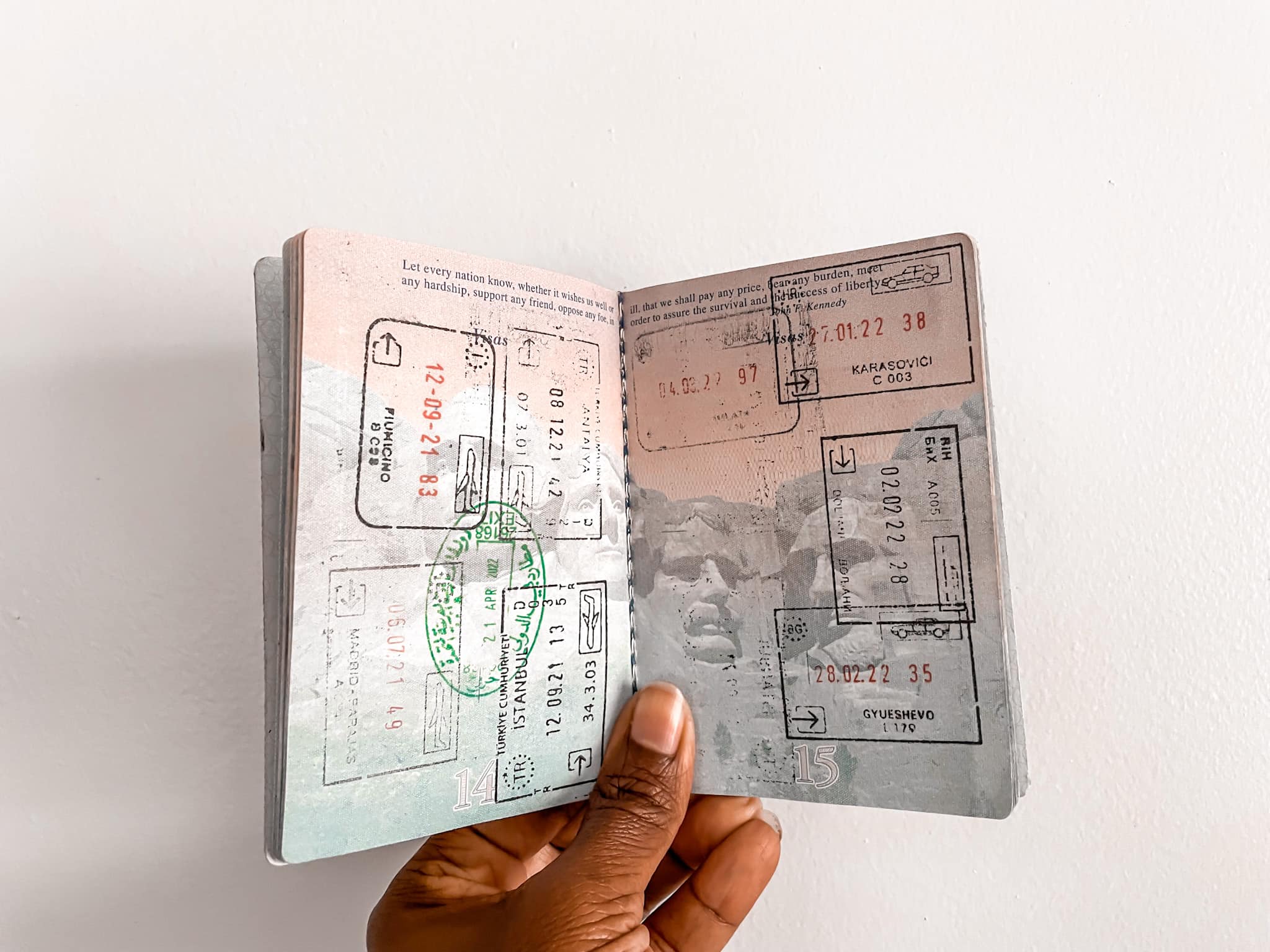
Use AI to Plan Around Visas and Stay Limits
Visa and entry rules are a major part of digital nomad planning.
AI can help you organize the questions, but it should not be treated as the final authority. Always verify entry rules, stay limits, visa requirements, tax issues, and residency details through official sources or qualified professionals when needed.
Use AI as a checklist tool.
Visa and Stay Limit Prompt:
Help me create a checklist of visa, entry, stay limit, and remote work questions I need to verify before staying in [destination] as a citizen of [country]. Do not give legal advice. Organize the questions I need to answer, the documents I may need, and the official sources I should check before booking.
For Schengen countries, this becomes especially important because many travelers are limited to 90 days in the Schengen Area within a 180-day period. If you are staying longer in Europe, you need to track your days carefully and understand which countries are inside or outside the Schengen Area.
For a longer Europe route, read How the Schengen shuffle works before you start booking.
For a bigger move-abroad plan, read How to move abroad or travel long-term so you can think beyond just the first destination.
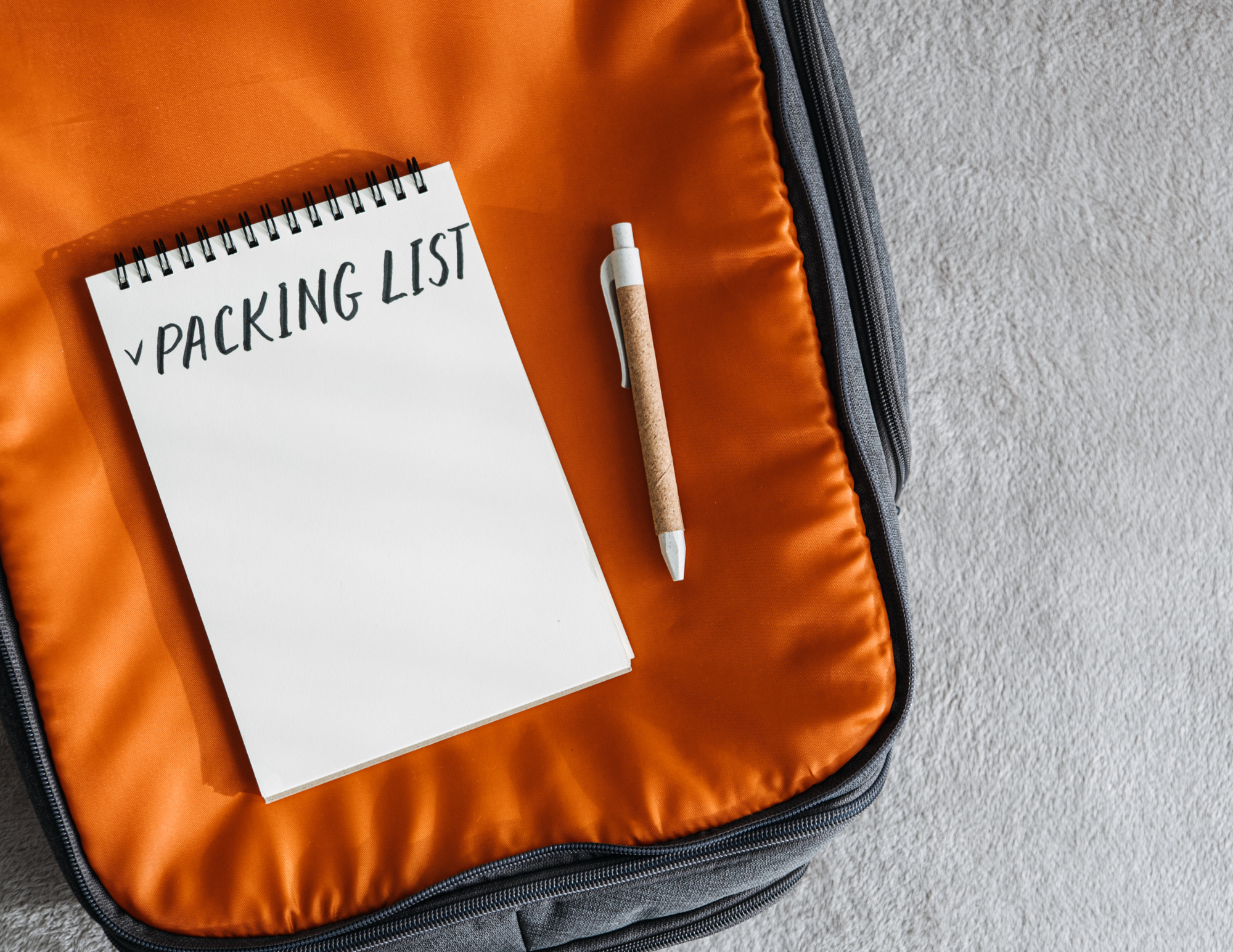
Use AI to Build a Remote Work Packing List
Packing for a digital nomad stay is different from packing for a vacation.
You need clothes, but you also need a work setup. You may need tech, chargers, adapters, headphones, a laptop stand, documents, backup cards, and items that make a temporary home more functional.
Use this prompt:
Digital Nomad Packing Prompt:
Create a practical packing list for a digital nomad stay in [destination] for [number of weeks or months]. I will be working remotely and need clothes, shoes, toiletries, documents, tech, chargers, work setup items, mobile data, weather-specific items, and anything useful for long-stay travel. Also tell me what not to pack.
Some useful items to consider:
A portable charger keeps your phone alive for maps, tickets, translation, messages, banking apps, and backup hotspot use.
A universal adapter with USB-C ports helps charge multiple devices without carrying too many blocks.
A tech organizer keeps cords, chargers, earbuds, adapters, SIM tools, memory cards, and power banks in one place.
Noise-canceling earbuds or headphones can help with flights, cafes, coworking spaces, shared apartments, and video calls.
A travel extension cord or mini power strip can make a hotel room or apartment more functional when outlets are in awkward places.
A lightweight laptop stand can make longer work sessions more comfortable.
A luggage tracker adds peace of mind if you are checking a bag or moving between countries.
A travel document organizer keeps passports, backup cards, visa papers, tickets, and important documents together on travel days.
The goal is not to pack every gadget. The goal is to bring the items that protect your ability to work and move smoothly.

Use AI to Plan Travel Insurance and Health Basics
Travel insurance becomes more important when you are traveling longer term.
A short vacation and a multi-month international stay are not the same thing. If you are moving between countries, working remotely, and spending extended time abroad, you need to think through medical coverage, emergencies, delays, lost luggage, and what kind of support you would need if something went wrong.
Use this prompt:
Digital Nomad Insurance Prompt:
Help me think through travel insurance needs for a digital nomad stay in [destination] for [number of weeks or months]. Include medical coverage, emergency care, trip interruption, lost luggage, electronics, activities, pre-existing conditions to consider, and what questions I should ask before choosing a plan.
SafetyWing is one option many long-term travelers and digital nomads consider because it is designed around people who move between countries. Before choosing any insurance, read the policy details carefully and make sure it fits your destination, activities, health needs, trip length, and personal situation.
You can also ask AI:
What questions should I ask before buying travel insurance for a long-term international stay?
That helps you compare policies more thoughtfully.
Insurance is not the fun part of travel planning, but it is one of those things you appreciate when you actually need it.

Use AI to Build an Arrival Plan
Arrival day can set the tone for the whole stay.
For a digital nomad, you are not only arriving as a tourist. You are arriving somewhere you need to live and work. You need to get from the airport or station to your accommodation, check in, connect to Wi-Fi, test your work setup, find food, get groceries, and settle in.
Use AI to make the first 24 hours easier.
Digital Nomad Arrival Prompt:
Help me plan my first 24 hours in [destination] as a digital nomad. I arrive at [time] by [flight/train/bus]. Include transportation to my accommodation, food, groceries, mobile data, checking Wi-Fi, setting up my workspace, resting, and a simple first walk nearby.
A good arrival day should not be overloaded.
I like the first day to be practical: get connected, get fed, find groceries, test the Wi-Fi, unpack enough to function, and learn the immediate neighborhood. Save the big sightseeing for later.
Before arrival, make sure your Airalo eSIM or mobile data plan is ready, your accommodation address is saved, your portable charger is charged, your transportation options are clear, and your check-in instructions are accessible offline.
The fewer decisions you have to make while tired, the better.
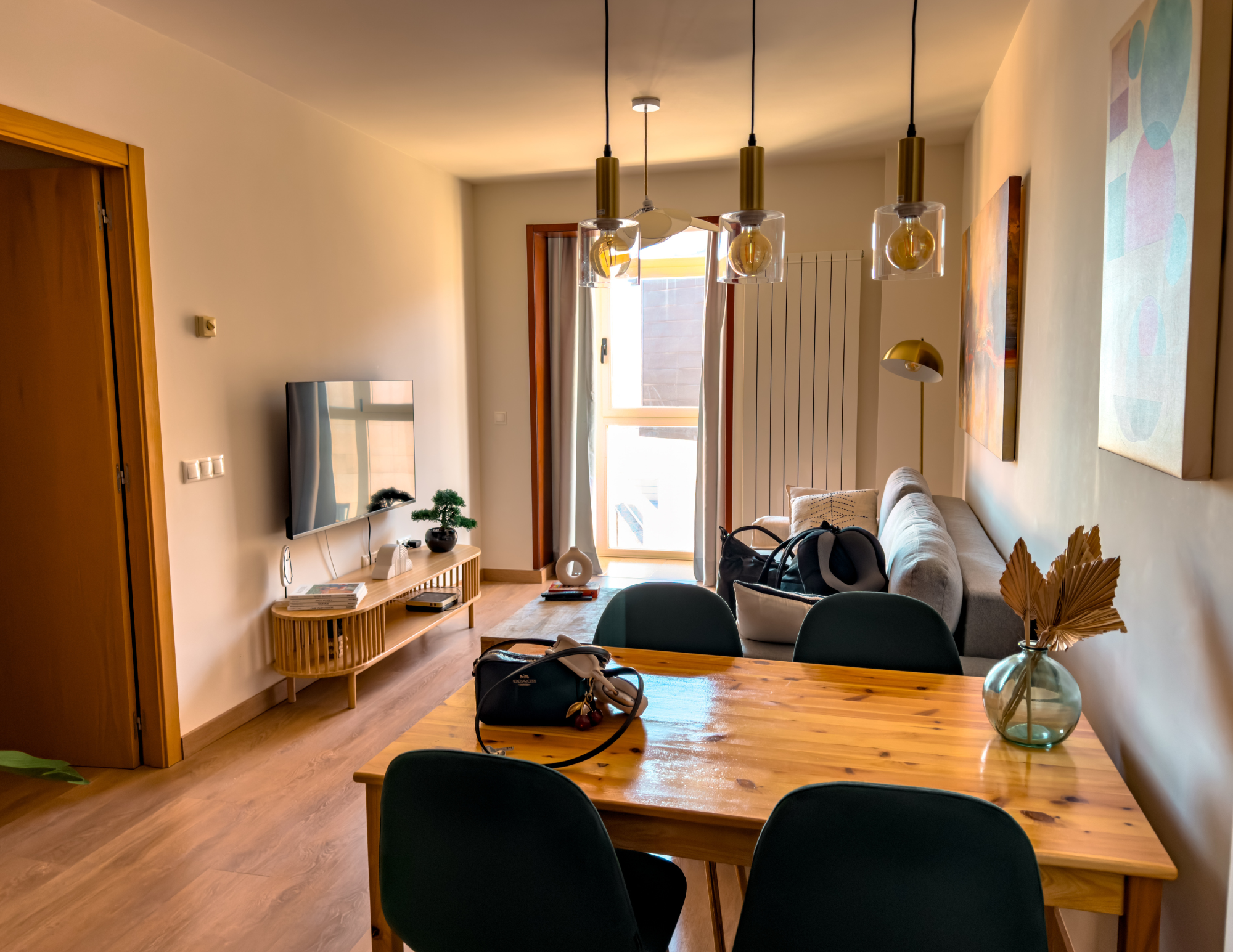
Use AI to Decide If a Place Is Better for a Short Test Stay or a Long Stay
Not every destination needs to become your long-term base.
Sometimes a place is great for two weeks but not ideal for three months. Sometimes you need a test stay before committing. That is especially true if you are considering moving abroad, applying for a longer visa, or building a new base.
G
Use this prompt:
Test Stay Prompt:
Help me decide whether [destination] is better for a short digital nomad test stay or a longer base. Consider cost of living, Wi-Fi, neighborhoods, transportation, visas or stay rules to verify, healthcare, food, community, weather, safety comfort, and whether daily life seems sustainable.
A test stay can teach you things research cannot.
You may like a place online and feel differently in person. You may love visiting a city but not want to live there. You may realize the daily routine works better than expected. Or you may learn quickly that the internet, cost, traffic, weather, or energy of the place is not for you.
AI can help you plan the test, but being there gives you the real answer.
For move-abroad planning, read how to move abroad or travel long-term and use AI to organize your questions before making bigger decisions.

My Simple Digital Nomad AI Planning Workflow
If I were using AI to plan a digital nomad stay abroad, I would start by comparing destinations based on my work needs and budget.
Then I would ask AI to narrow down the best neighborhoods for daily life, not just sightseeing.
After that, I would check Booking.com and other stay options for real prices, reviews, workspace photos, Wi-Fi mentions, laundry, kitchen access, and location.
Then I would message the host to ask about Wi-Fi speed, workspace, noise, and anything that could affect work.
Next, I would build a realistic monthly budget with accommodation, food, transportation, mobile data, coworking, insurance, and a buffer.
Then I would plan a weekly rhythm with work blocks, errands, sightseeing, rest, and one bigger activity or day trip.
Before booking flights, I would check Going if my destination or dates were flexible.
Before leaving, I would set up mobile data with Airalo, think through travel insurance with SafetyWing, make sure Wise or another money setup was ready, and pack the tech items that support remote work.
Once I arrived, I would keep the first day simple: get connected, get groceries, test the Wi-Fi, set up the workspace, and learn the neighborhood.
That kind of planning does not remove every problem.
It just makes the whole stay easier to start.

Final Thoughts: AI Can Help You Plan a Digital Nomad Stay That Works in Real Life
Digital nomad life sounds dreamy, but the best version of it is built on practical planning.
You need a destination that fits your budget, a neighborhood that supports your daily life, a stay with real Wi-Fi and a usable workspace, mobile data for backup, a money setup that works abroad, and enough routine to balance work with actually enjoying the place.
AI can help you organize all of that.
Use it to compare destinations, choose neighborhoods, check accommodation details, build a budget, plan a workweek, think through time zones, create a packing list, and prepare for arrival. Ask it to be honest about what could be difficult. Ask it what you may be overlooking. Ask it to slow the plan down if you are trying to move too fast.
Then verify the details yourself.
Check visa rules. Read recent reviews. Confirm Wi-Fi. Compare real prices. Look at maps. Understand the neighborhood. Make sure your phone, money, insurance, and work setup are ready before you land.
AI can help you plan the stay.
But the real goal is not just to be abroad with a laptop.
The goal is to build a setup where you can work, live, explore, rest, and actually enjoy the freedom you were chasing in the first place.

Cavetta is the creator of LifeWithVetta.com and has been traveling the world full time since 2020. She has visited more than 60 countries while worldschooling her son and documenting what it really takes to live abroad. Her guides focus on travel, moving abroad, digital nomad life, and designing a life beyond the traditional path.
